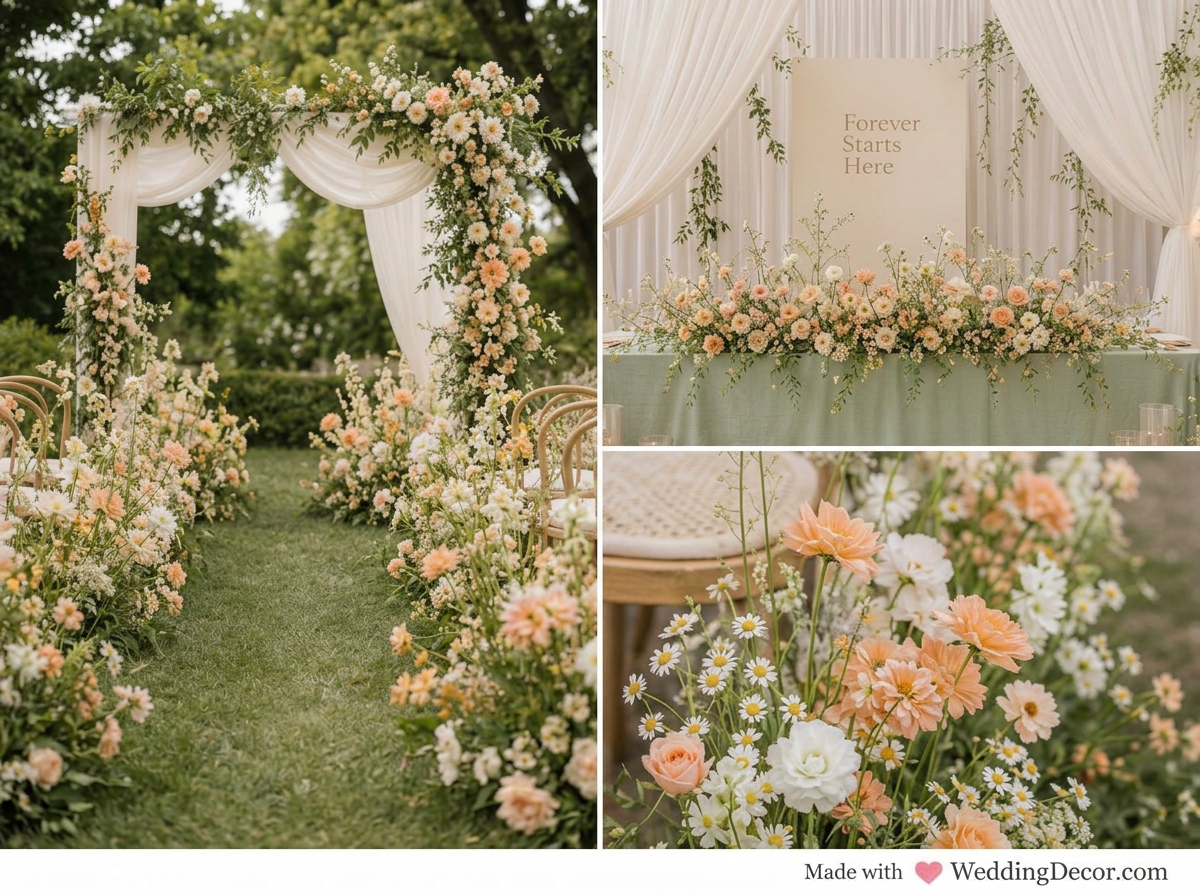
Peach, sage and cream garden wedding inspiration with wildflowers, greenery and softly draped ceremony decor.
Hi lovely,
You have the venue, a folder full of beautiful inspiration, and a color palette you love. Now comes the hard part: trying to imagine how all those separate ideas will actually look together in your real space.
This is one of the most common challenges we see couples face. Most people can recognize what they love when they see it, but visualizing a complete decorated room is a different skill entirely. The centerpiece photo came from a romantic garden wedding. The napkin fold came from an elegant European tablescape. The floral installation was photographed in a ballroom twice the size of your venue. Each detail is beautiful on its own, but will they work together in your ceremony or reception space?
That is exactly what a wedding venue visualizer is designed to answer. Instead of relying entirely on your imagination, you upload a photograph of your actual venue and create a realistic preview using your colors, your decor inspiration, and your real space as the starting point.
Planning the ceremony itself? Our wedding ceremony decor visualizer guide shows how to explore your arch, aisle flowers and backdrop using a photo of your own venue.
See Your Wedding Venue Come to Life
Upload your venue photo, add the decor images that inspire you, choose your colors, and create your first wedding venue design free. No credit card required.
Design My Venue FreeWhy Is It So Difficult to Visualize Wedding Decor?
Most wedding inspiration is presented in close-up photographs. You see the flowers, candles, menu card, and place setting, but you rarely see the full room. And even when you do find a photograph of a complete reception, that venue is almost certainly different from yours.
Ceiling height, natural light, flooring, wall color, architecture, table shape, and room size all affect how a design feels in practice. Soft blush flowers that appear light and airy in a bright conservatory can read much warmer in a ballroom with dark wood paneling and limited daylight. A tall centerpiece that suits a grand room may overwhelm a more intimate venue. These differences can be hard to account for without seeing the design in context.
You may also be assembling inspiration from several different weddings: one photograph for the centerpieces, another for the head table, a third for the place settings you love. Holding all of those separate pieces in your mind and imagining them as one finished room is asking a lot. A venue visualizer bridges that gap by bringing everything together in a single image.
Start With a Clear Photo of Your Actual Venue
Your venue photograph becomes the foundation of the entire design, so begin with the clearest image you can find. A photo from your venue tour, the venue's own website, or an image supplied by your coordinator can all work well.
The most useful venue photos tend to share a few qualities.
An empty or lightly furnished venue photograph is usually easiest to work with because it gives a clean starting point. That said, an existing setup can also be useful when you want to revise specific details rather than redesign from scratch.
Ready to share a design with your florist or decorator? Our guide to creating a wedding venue mockup explains what to send with your image so your vendors understand the details you love and where you would welcome their advice.
Choose your venue photo based on what you need to design. A wide photograph works best for seeing the complete reception, while a closer image may be more useful for testing a head table, ceremony backdrop, or place-setting concept.
Gather Inspiration for the Details That Matter Most
You do not need dozens of photographs to create a useful venue visualization. A few intentional references are almost always more helpful than a large collection of loosely related images. Focus on the elements that will have the biggest visual impact in your specific space: centerpieces and florals, reception linens, ceremony arches or backdrops, candles and lighting, and any major installations.
When you are selecting inspiration, try to look past the general aesthetic and pay attention to the specific characteristics you actually want to reproduce. Is the floral design loose and airy or full and structured? Are the centerpieces low enough for guests to see across the table? Is the overall feel formal, relaxed, modern, or vintage-inspired? These specifics are far more useful than simply labeling a saved image "romantic" or "elegant."
Use a mood board to find your direction first
If your ideas still feel scattered before you start, a mood board can help you identify the overall visual language of your wedding: its colors, floral character, materials, atmosphere, and level of formality. Once you have a clear direction, the venue design tool helps you apply that direction to your real space.
You can create up to two free boards with the WeddingDecor.com Wedding Mood Board Creator.
Build a Wedding Color Palette That Works as a System
A wedding color palette should guide the design without forcing every surface and object to become one of your selected colors. Your palette may appear in the flowers, napkins, candles, stationery, and small decorative accents, while the venue's existing wood, stone, white draping, metallic finishes, clear glassware, and greenery remain part of the finished design. This creates a much more natural result than trying to apply the same five colors to every element in the room.
Think of your palette as a guide to proportion as well as color. One shade may become the dominant linen or floral color, while another appears only in candles, ribbon, or a few accent blooms. Equal amounts of every color can make a design feel forced rather than cohesive.
If you still need to nail down your palette, the free Wedding Color Palette Creator lets you explore curated combinations or build your own. You will receive the exact color names and hex codes, which you can share directly with your florist, stationer, and decorator so everyone is working from the same reference.
See what could work in your space
Have your venue photo ready? Take a look at the before-and-after examples, see how the Design Studio works, and find out what is included.
Explore the Design Studio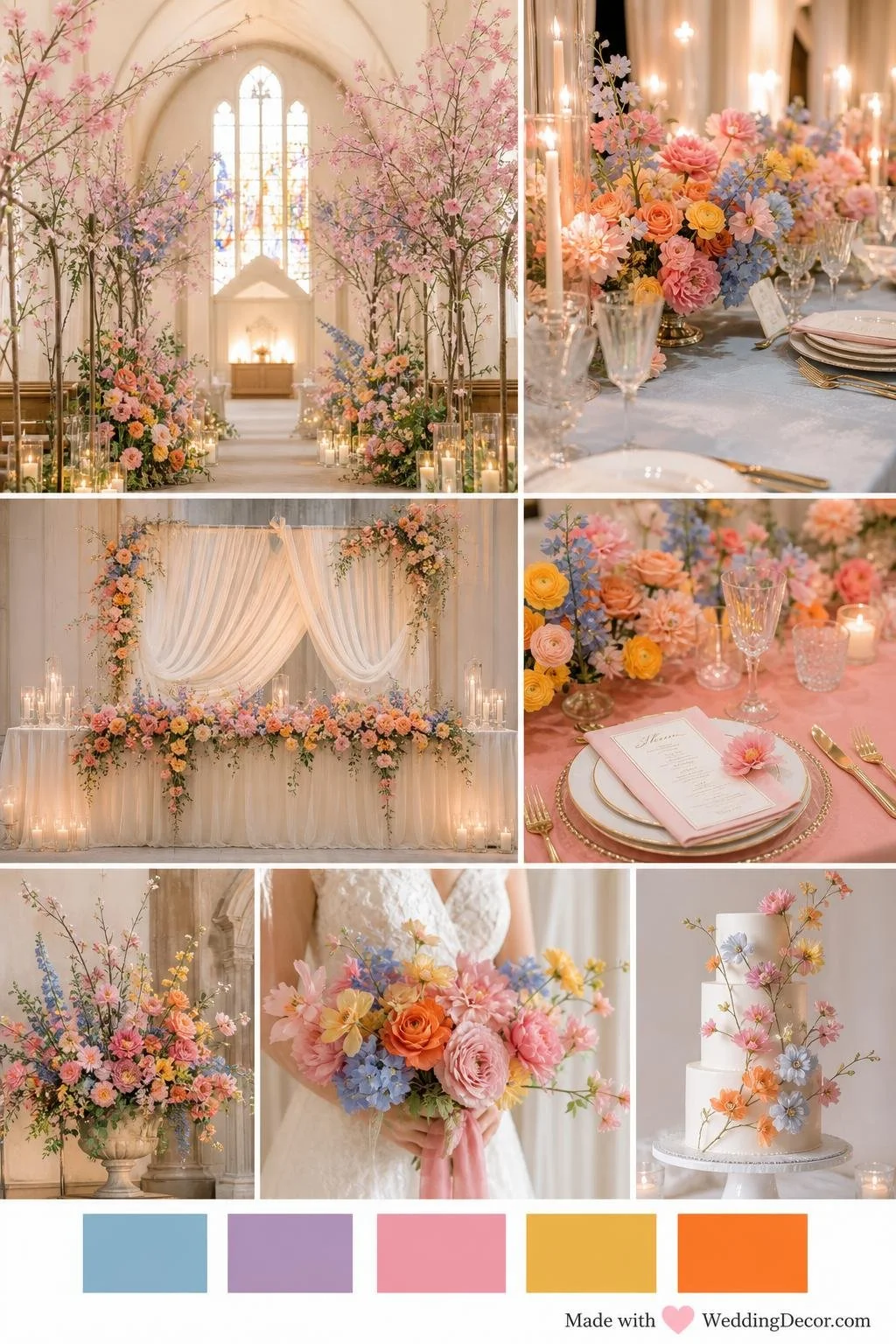
Blush roses, warm gold, and soft blue or orange linens create an elegant, modern-romantic palette. Velvet, candlelight, and greenery add warmth and whimsy, while clean geometric details give a chic, contemporary edge—perfect for a classic yet playful celebration.
Use an AI Wedding Venue Design Tool to Bring It All Together
Once you have a venue photograph, a set of intentional inspiration images, and a color palette, you can use an AI wedding venue design tool to see how the pieces could actually work together.
The WeddingDecor.com Design Studio begins with your actual ceremony or reception space. You upload the venue photo, add the decor images that inspire you, select your colors, and generate a realistic design concept. Your venue photo provides the starting point, so you can explore your ideas in the context of your space. The result is an AI-generated concept; architectural details, proportions, products, and colors may vary.
You can use it as a wedding reception design tool to explore tablescapes and head-table styling, or as a wedding ceremony visualizer for aisle flowers, candles, arches, and backdrops. With Studio Pass, you can generate additional concepts in the same space and compare different directions before committing to the decor.
If you are still choosing a tool, our wedding venue visualizer comparison checklist will help you evaluate your first result and identify which features matter for the decorating decisions you want to make.
Bring the visualization to your vendor as a starting point for collaboration, not a final specification. A skilled florist or decorator can identify the materials, quantities, and installation approach required to recreate the feeling of the design within your real budget and venue restrictions.
Look at the Entire Room Before Focusing on Small Details
When your first venue design is ready, resist the urge to zoom straight into the centerpieces. Start with the overall composition and ask yourself these questions before adjusting any single element.
Once the overall direction feels right, move into the details. You may want to adjust a centerpiece, change a napkin style, reduce the florals, add candles, or try a different backdrop. This is one of the real advantages of venue visualization: wedding design rarely arrives as one perfect decision made all at once. It develops as you compare ideas and understand how each choice affects the rest of the room.
Use the Design to Have Better Conversations With Your Vendors
A venue visualization is most powerful when you bring it into the room with your vendors. It gives your florist, decorator, planner, and rental company a common visual reference that removes the ambiguity from every conversation. Instead of trying to explain "something romantic with a little draping and flowers along the table," you can show the location, scale, color balance, and overall effect you have in mind.
Your vendor can then help determine what is practical based on your budget, their inventory, installation requirements, and venue rules. Remember that an AI-generated venue design is a visual concept rather than a construction plan. Confirm exact measurements, flower varieties, rental quantities, attachment methods, and any safety requirements with the professionals completing the work.
Share the visualization before the first meeting rather than in the room. It gives your vendor time to think through what they would need to achieve the look, so the conversation can focus on solutions rather than first impressions.
Mood Board vs. Venue Visualization: What Each One Does
A mood board helps you find your style and colors. A venue visualization helps you explore that direction in the space you have chosen.
| Mood Board | Venue Visualization |
|---|---|
| Defines your overall style and atmosphere | Applies that style to your actual space |
| Explores colors, materials, and feeling | Shows your colors inside your real venue |
| Collects compatible inspiration | Combines your inspiration into one design |
| Helps you discover what you love | Helps you explore how it could look |
| Best used at the start of planning | Best used once you have your venue and direction |
The mood board is about discovering your direction. The Design Studio helps you explore how that direction could look in the space you have already chosen.
You Should Be Able to See Your Wedding Before the Day Arrives
Planning wedding decor should feel exciting. It becomes stressful when you are expected to make expensive, irreversible decisions without being able to picture the result. A venue visualizer gives you a clearer starting point, the freedom to compare ideas, and the confidence to arrive at vendor meetings knowing exactly what you want.
It also gives you room to change your mind before anything has been ordered, installed, or paid for. With the right venue photograph, a set of intentional inspiration images, and a cohesive color palette, you can begin to see how all those saved ideas might finally come together in one beautiful, personal room.
Frequently Asked Questions
What is a wedding venue visualizer?
A wedding venue visualizer is a tool that lets you upload a photograph of your actual ceremony or reception space and generate a realistic preview of how it would look decorated with your chosen florals, linens, colors, and decor. Unlike a mood board, which collects general inspiration, a venue visualizer places your design ideas directly into your real venue so you can see how they work in that specific space.
Can I use my own venue photo?
Yes, and that is the entire point of the WeddingDecor.com Design Studio. You upload a photograph of your actual ballroom, barn, garden, chapel, rooftop, or any other event space, and the AI decorates that specific room using your inspiration images and color palette. The result is specific to your venue, not a generic stock image.
Can I upload my own decor inspiration images?
Yes. The Design Studio lets you upload photos of real decor you have already saved, from any source. That could be a floral arrangement from a florist you found on Instagram, a tablescape from a real wedding you attended, or a centerpiece you spotted on Pinterest. These images guide the generated design. Exact products, flower varieties, and color matching are not guaranteed.
What kind of venue photo works best?
A wide, clearly lit photograph that shows as much of the space as possible from a useful design angle tends to work best. An empty or lightly furnished room gives the AI the most flexibility. High resolution matters: use the largest version of the file you have. Photos from your venue tour, the venue's website, or your coordinator are all good starting points.
Is the wedding venue design tool free to use?
Your first venue design is free after you create an account, with no credit card required. Studio Pass is $39 USD as a one-time purchase and includes 90 days of access, 25 venue design credits, 12 inspiration mood boards, premium color palette tools, and a private project dashboard. Each new venue design or revision uses one credit. There is no subscription.
How is a venue visualization different from a mood board?
A mood board collects compatible inspiration to help you define your overall style, colors, and atmosphere. A venue visualization takes that direction and applies it to your real space so you can evaluate whether it actually works in your specific room. They serve different purposes and work best together: start with a mood board to find your direction, then use the Design Studio to test it in your venue.
Can I show the AI venue design to my vendors?
Absolutely, and it is one of the most practical things you can do with your design. Download your venue render and bring it to meetings with your florist, decorator, planner, or rental company. It gives everyone a shared visual reference that removes ambiguity from the conversation. Just remember that an AI render is a design concept rather than a technical specification: confirm exact quantities, varieties, and installation details with the professionals doing the work.
How early in wedding planning should I use a venue visualizer?
Once you have chosen your venue and have a general sense of your color direction, you are ready to start. Most couples find it most useful in the months before their first vendor meetings, so the renders have time to inform their decisions rather than confirm them after the fact. The earlier you can see your vision in your real space, the more confidently you can make every choice that follows.
See your venue before the big day
Upload your venue photo, add decor inspiration you have already saved, and generate a realistic before-and-after of your actual space.
Design My Venue Free