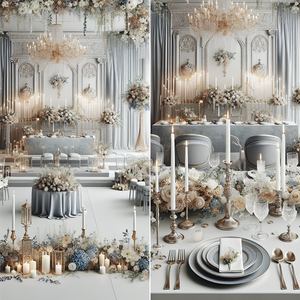
How Couples Are Using Digital Tools to Design Their Wedding - In Minutes ✨
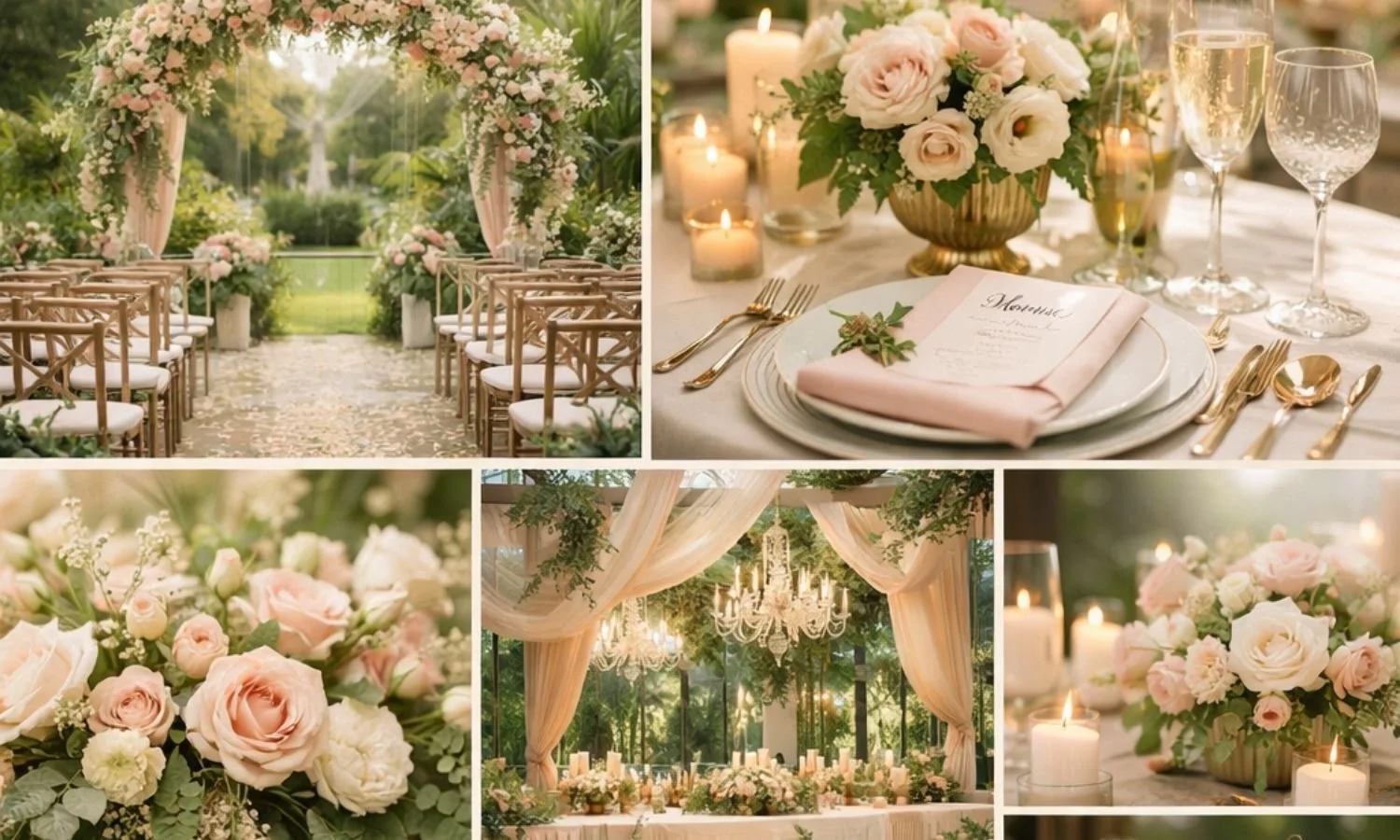
Best Wedding Planning Tools | WeddingDecor.com
Hi lovely,
If you have recently gotten engaged, you already know the feeling: one minute you are staring at your ring in disbelief, and the next you are 47 tabs deep into Pinterest, drowning in inspiration you are not quite sure how to organize. The vision is somewhere in your head, but pulling it into something real feels like the hardest part.
Here is what we want you to know: it does not have to feel that way. The right digital tools can take you from scattered screenshots and vague ideas to a fully visualized wedding in a matter of minutes. Not a generic imaginary wedding, but your wedding, in your actual venue, with your colors and the specific decor pieces you have already been saving. You can even upload photos of decor you love and watch the AI work them into your real space. And you can do all of it before you have spent a single dollar on decor or had a single stressful conversation about florals.
In this post we are walking you through the complete suite of tools we built for exactly this moment in your planning journey. We suggest starting with the most powerful one: seeing your actual venue decorated before you have made a single decision.
Why Seeing It Changes Everything
Planning a wedding is one of the rare projects where the stakes are high, the timeline is long, and every decision is almost entirely aesthetic. You are not building a spreadsheet. You are building a feeling. And feelings are notoriously hard to communicate when all you have is a list of adjectives and a folder of saved photos.
That is why visualization matters so much, and why the tools below go further than anything else available. When you can see your color palette applied to your actual ceremony space, when your real barn or ballroom or rooftop is decorated with the florals and linens you have been pinning, something clicks into place. You stop second-guessing. You start making real decisions. And when you sit down with your florist or decorator, you are not describing a vibe. You are showing them exactly what you mean.
Here is how the full toolkit works, from first inspiration all the way to a before-and-after of your actual venue.
Step 1: The AI Wedding Design Studio
See Your Actual Venue Decorated With Your Actual Decor
Upload a photo of your real ceremony or reception space. Upload photos of real decor pieces you already love, from a florist you found on Instagram to a centerpiece you spotted at a friend's wedding. Add your colors, and watch AI incorporate those exact inspiration pieces into a realistic before-and-after of your actual venue that you can download and share with every vendor.
This is the step that changes everything. The Mood Board Creator and Color Palette Creator help you define your vision in the abstract. The WeddingDecor.com Design Studio takes that vision and places it directly into your real space.
Here is what makes it genuinely different from anything else out there: it does not generate a generic imaginary venue, and it does not guess at your style. It starts with a photograph of your actual ballroom, barn, garden, chapel, or rooftop. Then you upload photos of real decor you have already saved, whether that is a floral arch from a florist you love on Instagram, a tablescape from a real wedding you attended, or a candle arrangement you found on Pinterest. The AI takes those specific pieces and works them into your real space, producing a realistic before-and-after that feels genuinely personal because it is. Download it, share it with your planner, and walk into your florist meeting with it on your phone.
You can visualize your ceremony aisle florals inside your actual chapel. You can see how your blush and sage tablescape reads in your specific reception hall at your specific venue. You can test three completely different floral directions in the same space, compare them side by side, and make a real decision before you have committed to a single purchase or deposit.
The Studio Pass is $39 one-time and includes 25 design credits, 12 inspiration mood boards, and 90 days of full access to your private design dashboard. Your first design is completely free with no credit card required, so you can see exactly how it works before deciding anything.
Step 2: The Wedding Color Palette Creator
Find the Exact Shades That Make Your Wedding Feel Like You
Browse 48 curated wedding color palettes or build your own. Every palette comes with a downloadable card and the exact hex codes your vendors need to match your colors across florals, stationery, linens, and more.
Explore the Color Palette Creator →Once you have your Design Studio render, the next step is locking in your color palette with precision. "Dusty rose" means something different to every florist, stationer, and linen rental company you talk to. The Wedding Color Palette Creator gives you a specific, downloadable palette card with hex codes, so every vendor is working from exactly the same reference.
Browse from 48 curated palettes organized by mood and season, from soft champagne and blush to moody burgundy and sage to warm terracotta and ivory, or build your own custom combination. Either way, what you end up with is a concrete, shareable color story that makes your entire vendor team feel like they are on the same page. Because they are.
See your venue decorated before you spend a dollar
Try your first AI venue design free, then lock in your colors and build your mood board.
Try the Design Studio FreeStep 3: The Wedding Mood Board Creator
See Your Wedding Aesthetic in Minutes
Answer a few questions about your style, venue type, and color direction. The Mood Board Creator instantly generates a beautiful, cohesive mood board tailored to your wedding. No design skills needed. Just your vision, visualized.
Try the Mood Board Creator →By this point you have a venue render and a locked color palette. The Mood Board Creator adds a broader visual layer to your planning, pulling your style, venue type, and colors into a single cohesive image you can share with your partner, your wedding party, and anyone else who needs to understand the feeling you are going for.
You choose your style direction (think coastal romantic, modern luxe, rustic boho, garden glam), your venue type, and a color palette. The tool does the rest, generating a full mood board that pulls your aesthetic into one cohesive image. No more pinning from fifteen different accounts and hoping it all somehow coheres. This is your vision, unified.
What couples love most about this step is what it does for every conversation that follows. Showing your partner, your mom, your maid of honor a mood board takes a ten-minute debate and turns it into a five-second yes. That clarity compounds across every decision you make afterward.
How the Three Tools Work Together
These are not four separate tools. They are one end-to-end design process.
You start with the Design Studio. Upload a photo of your actual venue, add photos of decor you have already been saving, choose your colors, and generate a realistic before-and-after of your real space. That single image becomes the anchor for every decision that follows. Then you move into the Color Palette Creator to lock in your exact shades and get a shareable hex-code card for every vendor. From there, the Mood Board Creator helps you explore your broader aesthetic and generate additional visual references to share with your partner and wedding party.
From a blank venue photo to a fully visualized, shareable wedding concept, all before you have written a single check. That is the process. And you can do all of it from your phone, on your lunch break, before you have talked to a single vendor.
Frequently Asked Questions
What is the best digital tool to start designing my wedding?
Start with the WeddingDecor.com Design Studio. Upload a photo of your actual venue, add decor images you have already saved, and generate a realistic before-and-after of your real space. Your first design is completely free with no credit card required. From there, lock in your exact colors with the Color Palette Creator, then use the Mood Board Creator to build out your broader visual direction.
What is an AI wedding venue design tool?
An AI wedding venue design tool lets you upload a photo of your real ceremony or reception space and generate a realistic preview of how it would look decorated with your chosen florals, linens, colors, and decor. Unlike generic mood boards, the output shows your actual venue, which makes the design feel real and makes vendor conversations dramatically easier.
Can I use my own venue photo?
Yes, and that is exactly the point. The WeddingDecor.com Design Studio is built around your actual venue photo, not a stock image of a generic space. Upload a clear photo of your ballroom, barn, garden, chapel, rooftop, or any other event space, then add photos of real decor pieces you have already been saving from any source. The AI incorporates those specific pieces into your actual space rather than generating something generic.
How do I communicate my wedding vision to vendors?
A before-and-after AI render of your actual venue is the most powerful way to communicate your vision. It removes all ambiguity: instead of describing a feeling, you are showing your florist, decorator, and planner exactly what you have in mind in their type of space. Download your design from the Studio and bring it to every vendor meeting.
What is a wedding color palette and why do I need one?
A wedding color palette is a set of 3 to 5 specific colors that run consistently through your entire wedding: florals, linens, stationery, bridesmaid dresses, and decor. Having a palette with exact hex codes prevents the common problem of "dusty rose" meaning four different things to four different vendors. The Color Palette Creator gives you a downloadable card you can share with your entire vendor team.
How much does the WeddingDecor.com Design Studio cost?
Your first AI venue design is completely free with no credit card required. The Studio Pass is $39 one-time and includes 25 venue design credits, 12 inspiration mood boards, and 90 days of full access to your private project dashboard. There is no subscription. Additional credit packs are available if you need more designs.
Do I need design experience to use these tools?
Not at all. Every tool at WeddingDecor.com is designed for couples, not designers. The Mood Board Creator, Color Palette Creator, and Design Studio are all built to be visual and intuitive. If you can describe what you love and upload a photo of your venue, the tools do the rest.
How early in wedding planning should I start using these tools?
As early as possible, ideally in the first few weeks after getting engaged. Having a clear visual direction from the start shapes everything: which venues feel right, which photographers match your aesthetic, which florists align with your style and budget. Couples who visualize early consistently describe the rest of the planning process as significantly less overwhelming.
See your wedding before the big day
Start with a free AI design of your actual venue, then lock in your colors and build your mood board for a complete, shareable vision.
Create My Free Mood Board Try the Design Studio Free